 Image 1 of 1
How to Download Your Wallpapers
After checkout, you’ll receive a download link on the confirmation page and in your email.
Tap the download link to open the wallpaper image(s).
On iPhone:
Tap and hold the image, then choose “Add to Photos” or “Save to Camera Roll.”
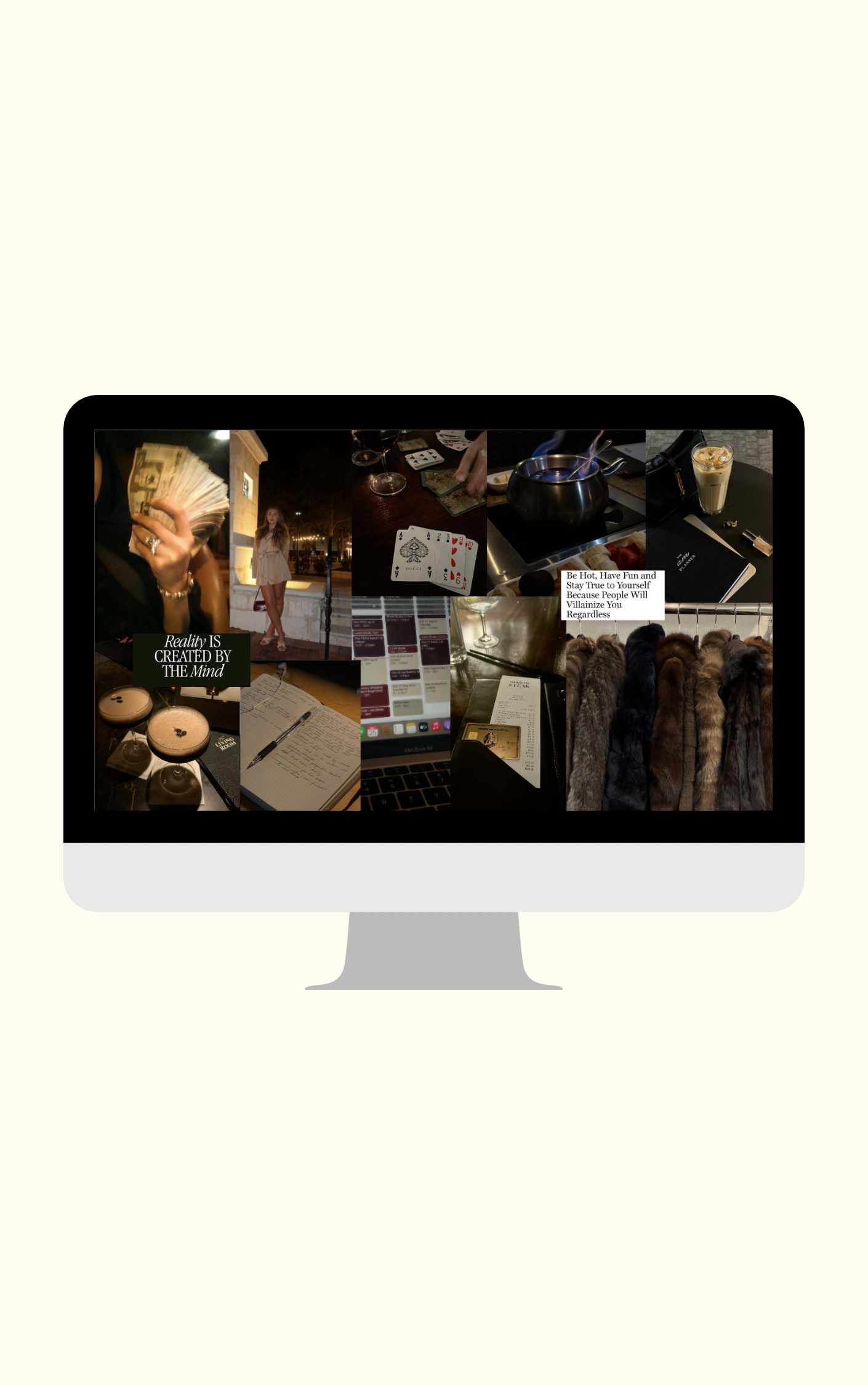
On Desktop:
Right-click and select “Save Image As” to download, then airdrop or email it to your phone.
Open your Photos app, tap the image, and choose “Use as Wallpaper.”
Adjust and crop as needed — then set it as your Lock Screen, Home Screen, or both!