How to Overcome Anxious Thoughts

$10.00

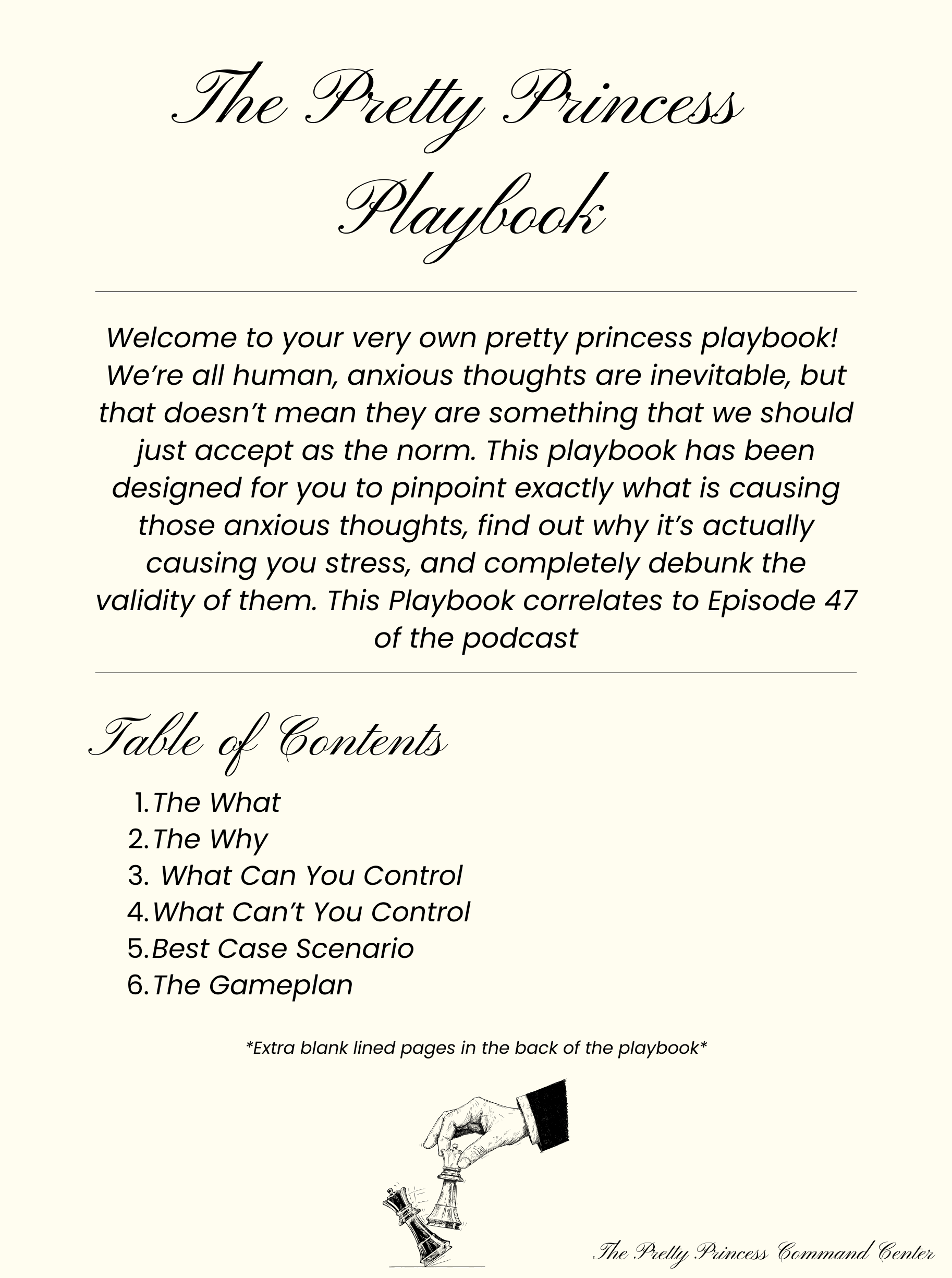
This guided digital journal is your official Pretty Princess Command Center tool for shutting down overthinking and taking back control of your life. No more spiraling. No more “I don’t know why I feel this way.” No more letting your anxious thoughts run the show.

Inside, you’ll get crystal clear on what’s actually stressing you out, why it’s affecting you, and what parts of the situation you can claim authority over. You’ll stop obsessing over things you can’t control and start building a real plan for the things you can. You’ll train your brain to expect the best instead of catastrophizing 24/7. And you’ll create an elite-level gameplan that the girl of your dreams would be proud of.

If you’re done feeling powerless and ready to take action, this is your next assignment.

This guided digital journal is your official Pretty Princess Command Center tool for shutting down overthinking and taking back control of your life. No more spiraling. No more “I don’t know why I feel this way.” No more letting your anxious thoughts run the show.

Inside, you’ll get crystal clear on what’s actually stressing you out, why it’s affecting you, and what parts of the situation you can claim authority over. You’ll stop obsessing over things you can’t control and start building a real plan for the things you can. You’ll train your brain to expect the best instead of catastrophizing 24/7. And you’ll create an elite-level gameplan that the girl of your dreams would be proud of.

If you’re done feeling powerless and ready to take action, this is your next assignment.

Includes extra lined notebook pages at the end for additional notes, reflections, or journaling

  • Reusable forever! Once you download, you can reuse the playbook as many times as you’d like

  • Delivered as a digital download — no physical product will be shipped

  • Compatible with most annotation apps (Goodnotes, Notability, etc.)

  • How to upload to GoodNotes on iPad:

    1. Download the Playbook PDF from your purchase.

    2. Open the GoodNotes app on your iPad.

    3. Tap the + icon in the top right corner.

    4. Select Import.

    5. Locate the downloaded PDF in your Files app or cloud storage.

    6. Tap the file to import it into GoodNotes — it’s ready to use!

  • If you are having trouble accessing your download, please refer to the FAQ section! If you are still running into issues, please contact us.